
Sometimes your students don’t use Google Drive, or you would rather collect files (e.g. podcasts or videos) in one folder instead of separate folders for each student. There are a couple of solutions to this problem. One is using Google Drive apps like Form+ or Dropzone. These apps, however, come with a couple of cosmetic drawbacks, such as little or no customization, adds or limited file uploads.

There is a new Google Apps script on the web, which provides a basic upload form. Just click here and create a copy in your Google Drive. To set up the script do the following things (you can get the full description here) :
- Run (doGet)
- Publish (deploy as web app)
- Change settings to: Execute as: me
- Access: anyone, even anonymous
- Provide a description, save and deploy (first time also
When you click on deploy you get a similar URL
In principle you you share this link with your students to upload homework. The files are copied to your Drive into a folder named “Student Files”, which you can move, but not rename for the script to work.
It is easy to customize the page without knowing Javascript. Just head over to Google Sites and create a new page. Insert App script and copy the (see above) URL. Now you can add a description and, say, an image to the basic form, plus you get a nicer URL to share with your students. If you use a class Site you can also add a page for homework there.
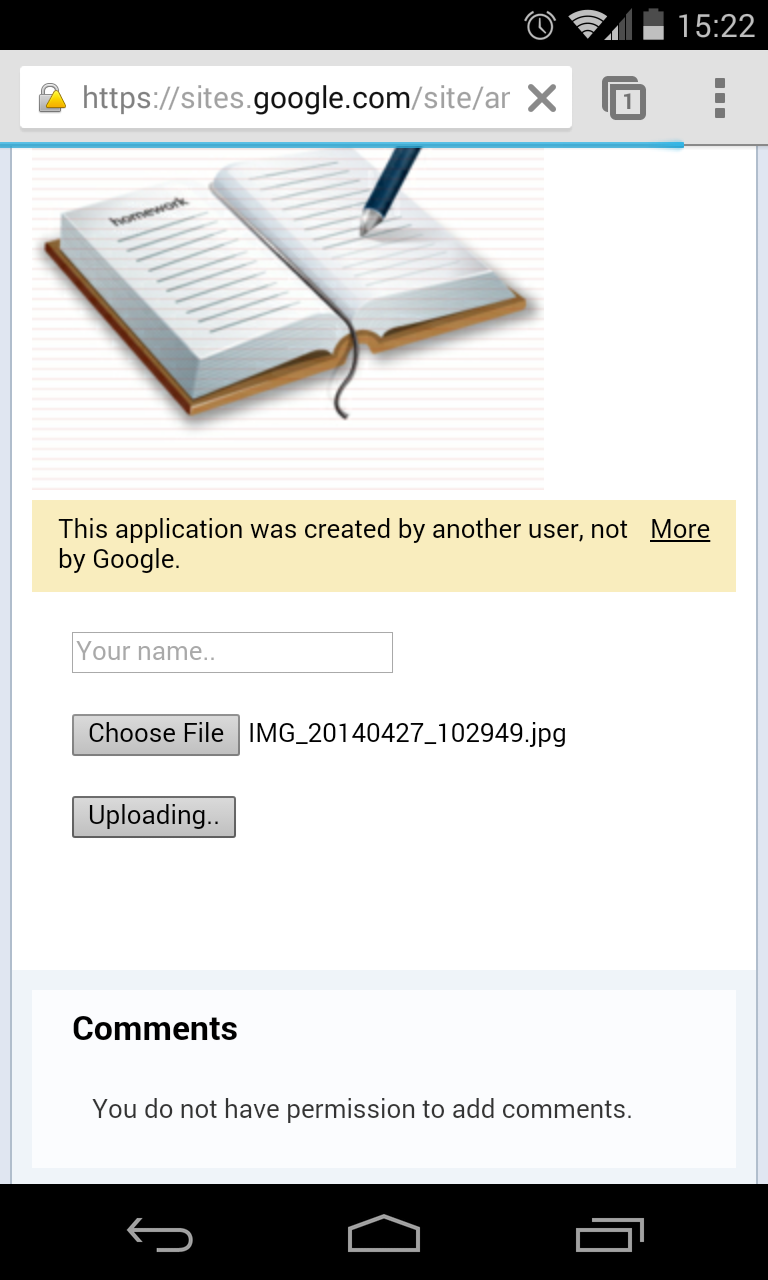
In case you want to use the upload script for mobile devices it’s worth setting up a mobile page in Google Sites using a mobile template. You can also disable the script when you don’t need it anymore.
Pro tip: You might want to set up several dropboxes for different purposes (e.g. different classes, courses or podcasts). In that case you have to make another copy of the script and rename the dropbox variable before you run and publish the new script:
var dropbox = "Student Files";
Notes for troubleshooting: I have tried this script on various Android devices (no problems) and in various browsers. Interestingly it didn't work in Chrome used with my own account - it got stuck on the upload without any signs of activity. The problem might be one of the Chrome extensions I use. It didn't work well in Internet Explorer, either. Firefox worked perfectly well.


.png)


